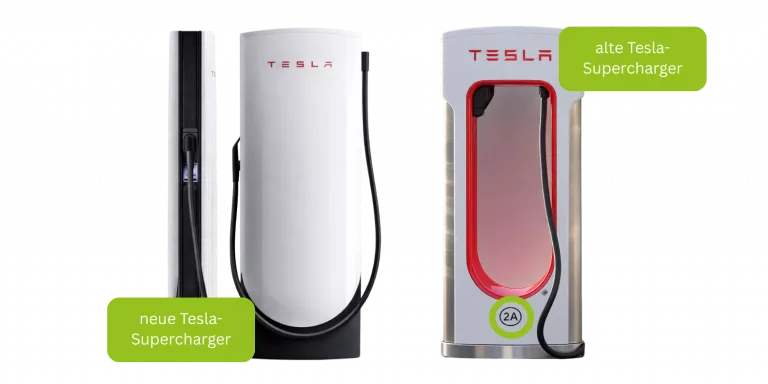
1 Connect the vehicle to the Tesla charger
It may take as long as 30 seconds for the connection between the Tesla Supercharger and the vehicle to be established. Please be patient until the card request appears on the screen.
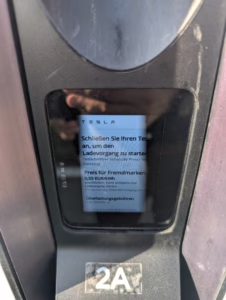
2 Hold the FIRMENLADEN charging card in front of the card reader
Hold the FIRMENLADEN store card directly against the glass at the card reader. If the card is not recognized immediately:
- Move the card gently back and forth
- Hold it very close to the glass
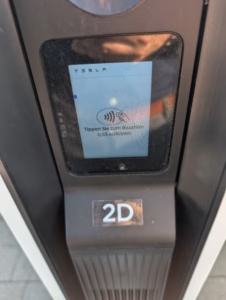
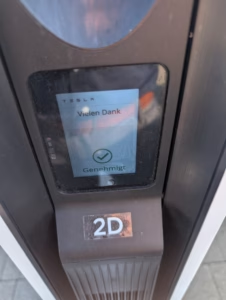
Once the card is recognized, the charging process starts automatically.
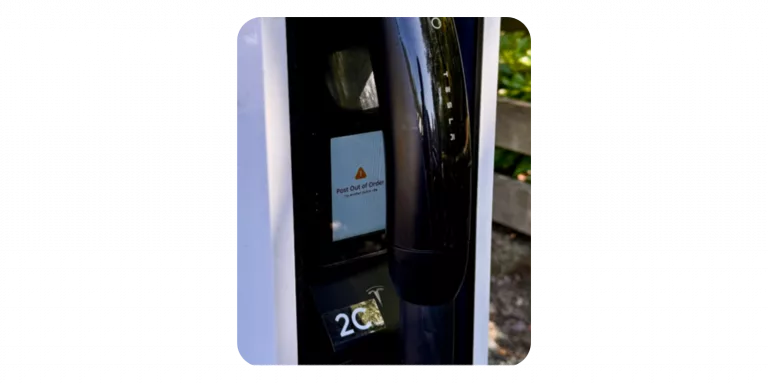
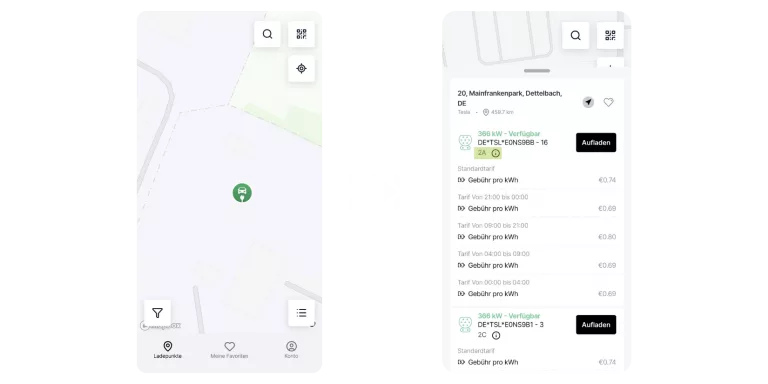
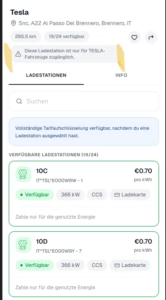
Tesla does not use standard serial numbers or EVSE IDs at individual charging points as displayed in the FIRMENLADEN app.
Instead, each Tesla station is labeled with its own identifier (usually a number or a combination of a letter and number).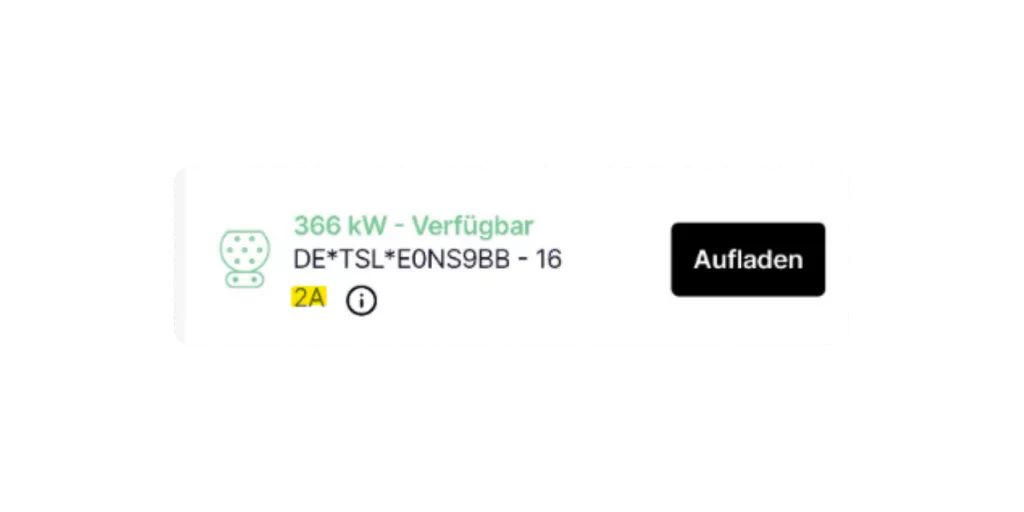
Select the specific numbering of the Tesla charging station in the Tesla app.